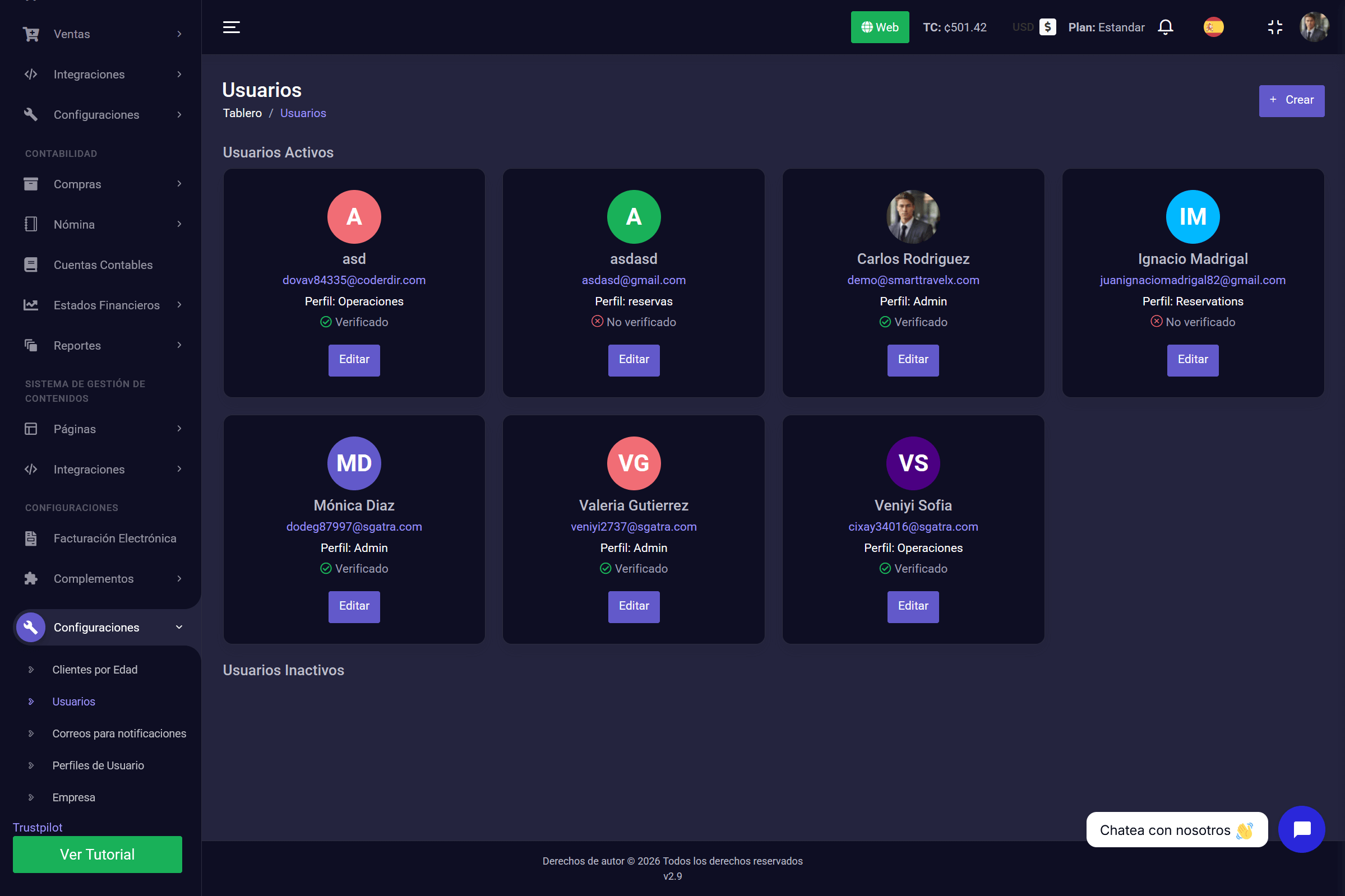
1. The Command Dashboard (Overview)
The Dashboard is the heart of SmartTravelX. On this single screen you get a 360° view of your company without navigating to other menus.
Here you will find everything you need to start the day informed:
- Sales Summary: See how much you have sold, split by channel (Web, Agencies, or Direct).
- Context and Weather: Check the current weather forecast to plan your departures.
- Performance: Charts of annual revenue trends and salesperson performance.
- Finance: A quick panel with issued invoices, accounts receivable, and accounts payable to suppliers.
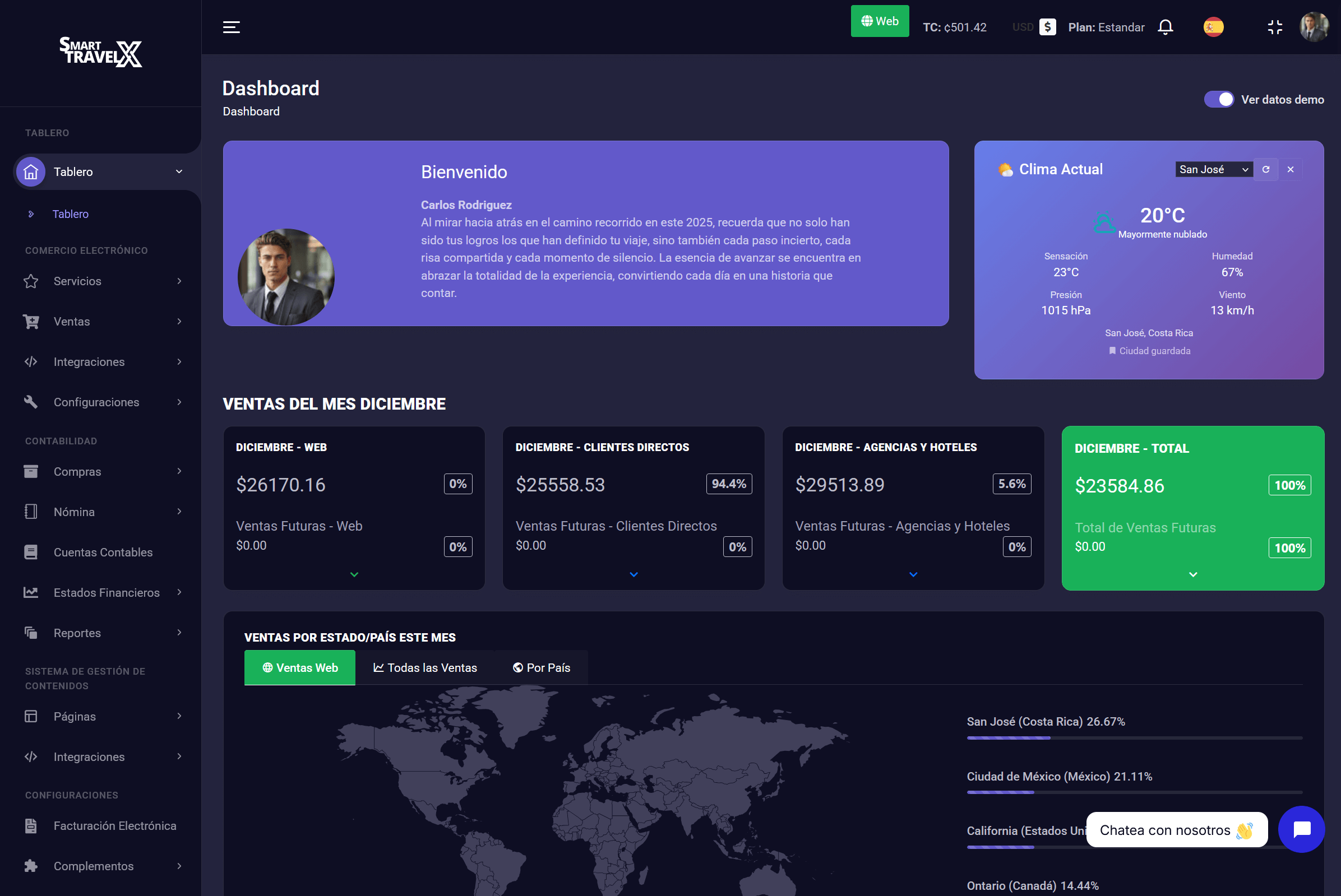
2. Service Management (Your Inventory)
This is where your tourism product is born. Here you do not only create tours — you configure the full operating structure needed to sell them.
In this menu you will find 5 key tools:
- Services: This is where you create the tour itself, upload photos, prices, and descriptions.
- Categories: Organize your inventory (e.g. Adventure, Nature, Transportation) to keep everything in order.
- Locations: Define the exact geographic areas where your activities take place.
- Pickup and Drop-off: Configure pickup and drop-off logistics.
- Capacities: A vital part of operations; here you define how many spots are available per service so the system can manage your inventory automatically (this area is managed automatically).
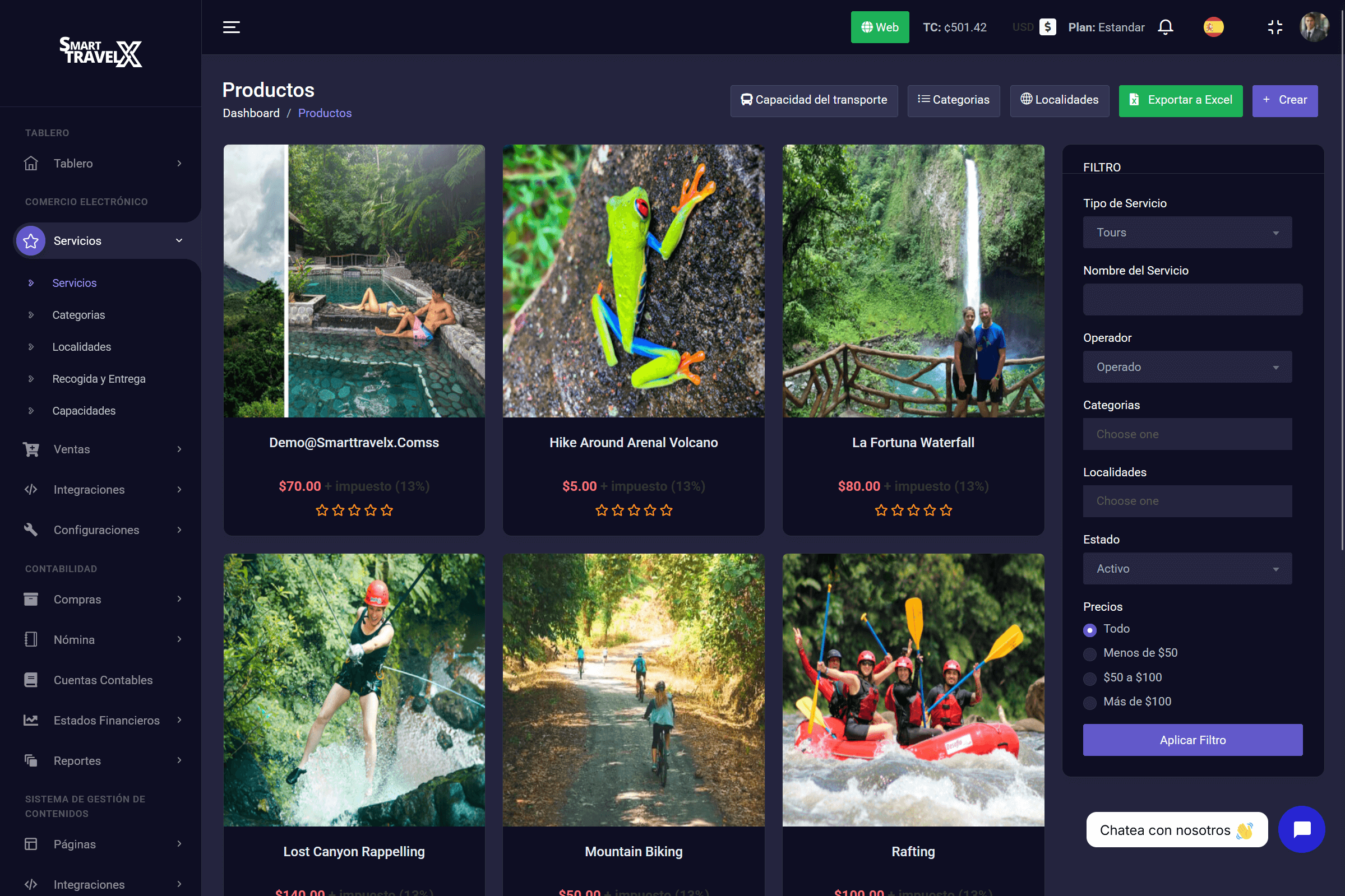
3. Sales and Reservation Management
If inventory is the heart, this module is the commercial brain of your company. Here you centralize everything related to incoming money and the relationship with your buyers.
Inside this menu you will manage 5 vital areas:
- Customers: This is where you register your partner agencies so you always know who is selling for you.
- Orders: The master list where you see all reservations, whether they came from the website or an agency.
- Referral Program: A tool to assign a commission percentage to a person through a link or QR code.
- Transaction History: Your financial audit. Here you see the detail of payments received, payment methods, and the exact dates the money came in.
- Create Direct Customer Sale: This is your internal team's working tool. It lets them create a reservation manually in seconds (ideal for phone or walk-in sales) so it is recorded in the system instantly.
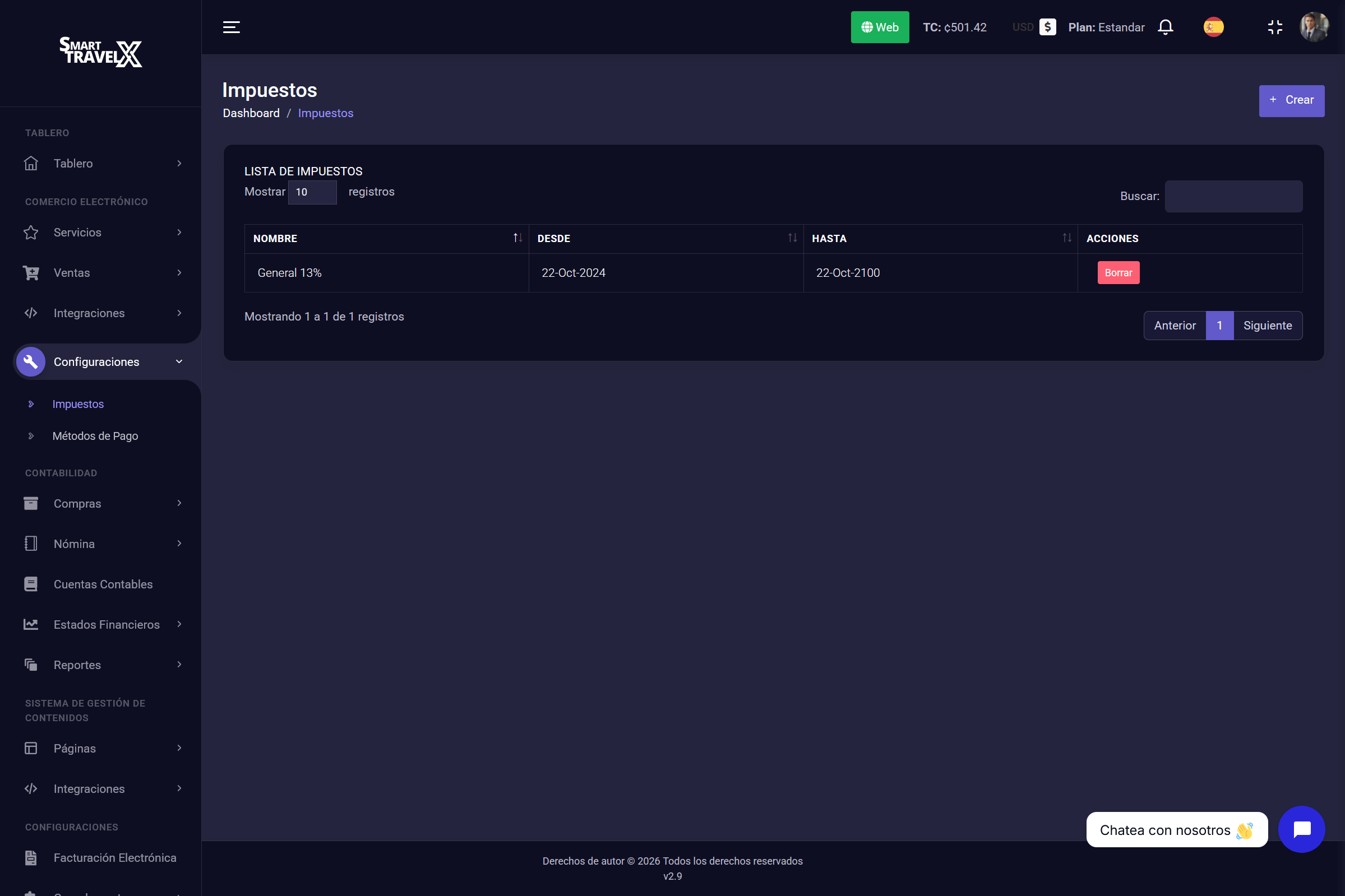
4. Payment and Tax Settings
Before you start selling, you must define the financial rules. In this section you configure how you will receive money and which tax obligations you must meet.
Here you will find two essential tools:
- Taxes: Create and manage the different tax rates that apply to your services (e.g. 13% VAT, tourism taxes, etc.) so they are calculated automatically on every invoice.
- Payment Methods: Register the ways your customers can pay you. You can configure everything from digital gateways like PayPal to bank transfers, physical card terminals, or cash.
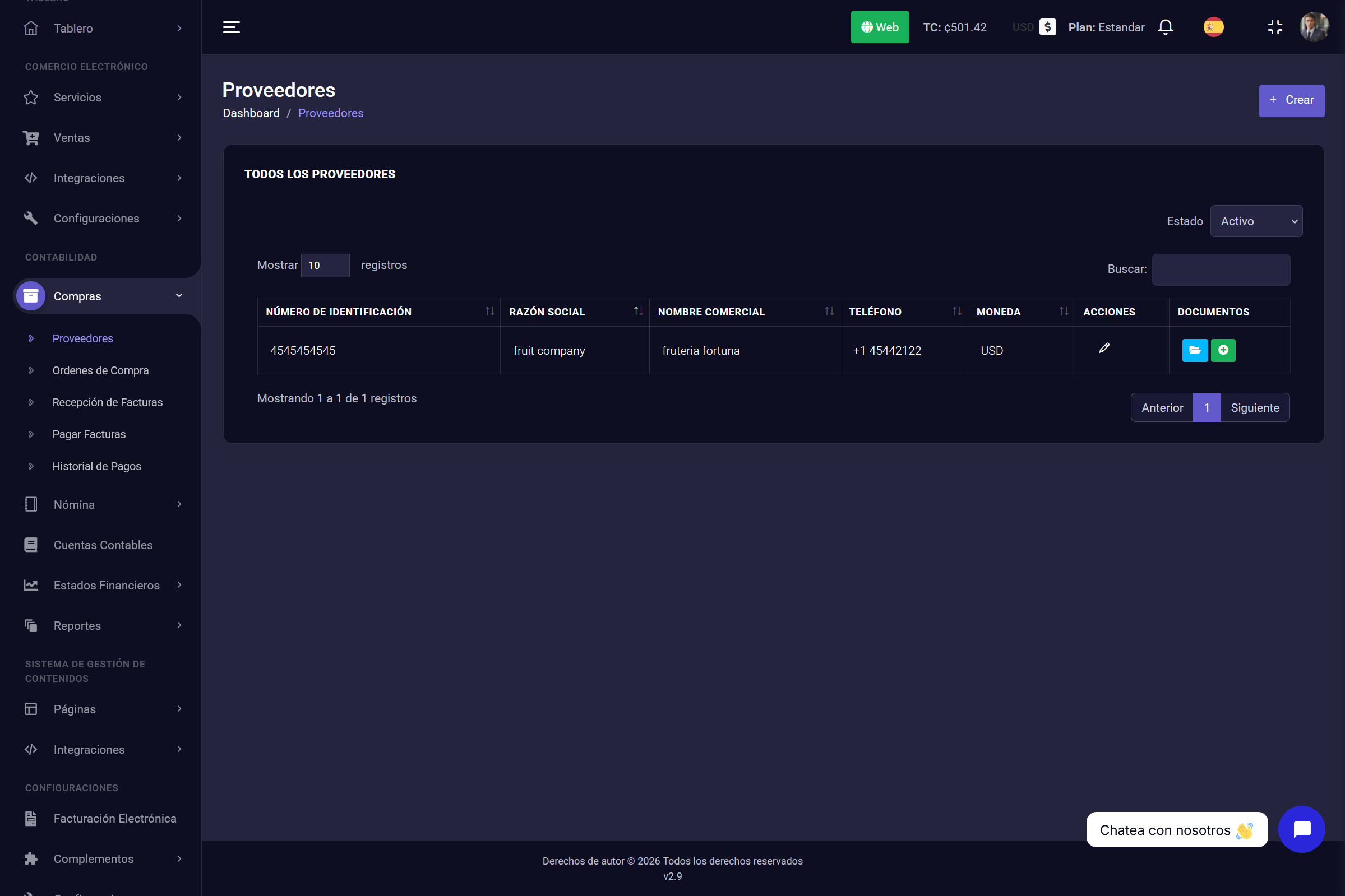
5. Purchases and Supplier Management
For your business to be profitable, controlling expenses is just as important as selling. In this module you keep an exact record of every outgoing payment and commercial relationship.
Here you manage the full procurement cycle:
- Suppliers: Just like with customers, here you register all your suppliers (e.g. fruit, water, maintenance, fuel) so their information is always at hand.
- Purchase Orders: Create formal orders to request supplies or services in an organized way.
- Invoice Reception: Your administrative inbox; here you register the invoices suppliers send you so they enter the system.
- Pay Invoices: A critical cash-flow tool. It shows a clear list of pending invoices and the exact total to pay, so you never miss a due date.
- Payment History: Your smart archive, where every payment is stored for future queries or audits.
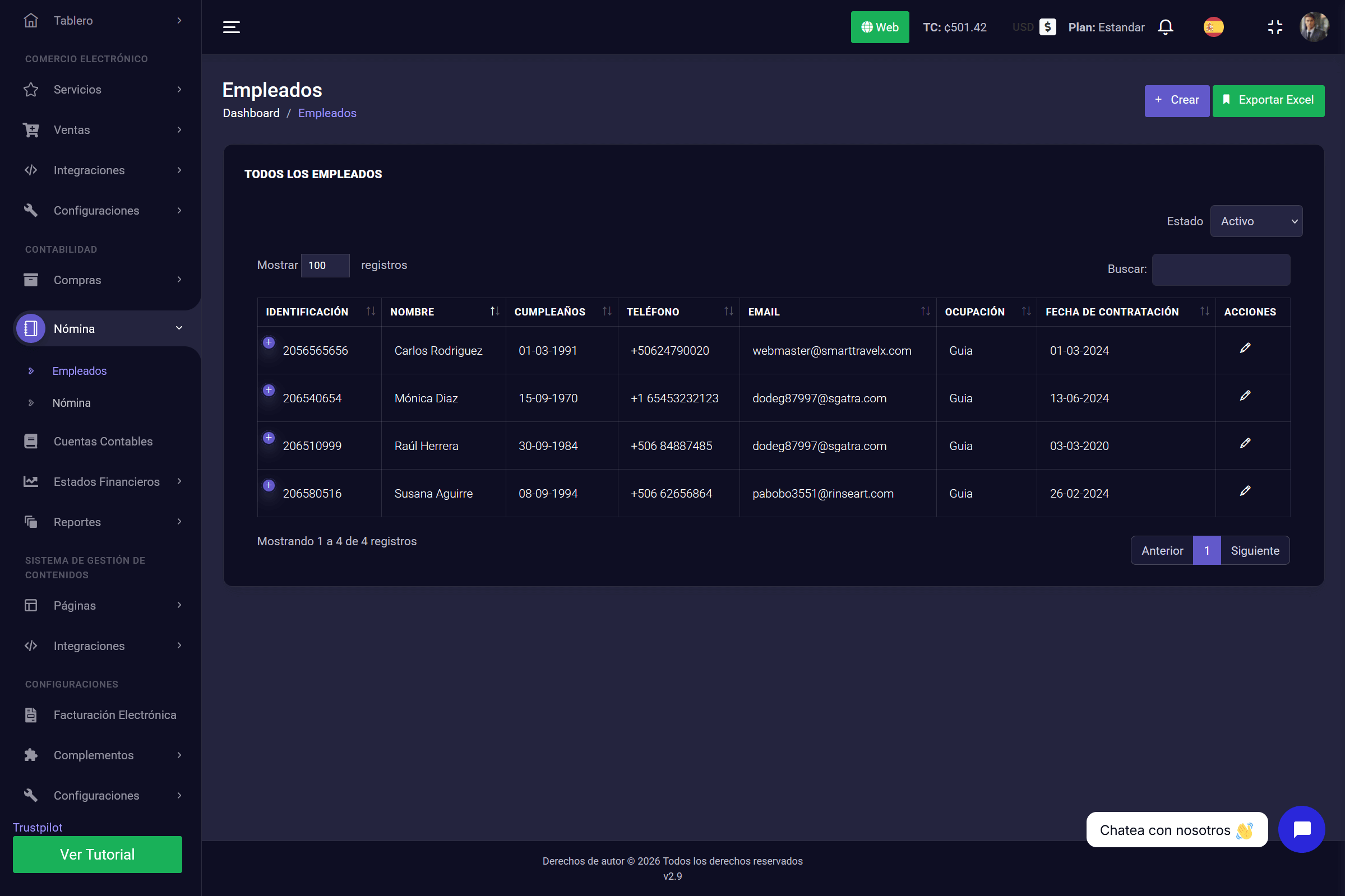
6. Payroll and Employee Management
The success of your tourism operation depends on your team. SmartTravelX lets you centralize human-resource management in the same place where you manage your tours.
This module is split into two essential functions:
- Employees: Create a digital profile for each team member (guides, drivers, office staff). Here you store contact information, job title, and hire date.
- Payroll: The tool to calculate and process staff payments. Here you generate pay slips in an orderly way so your team is paid on time.
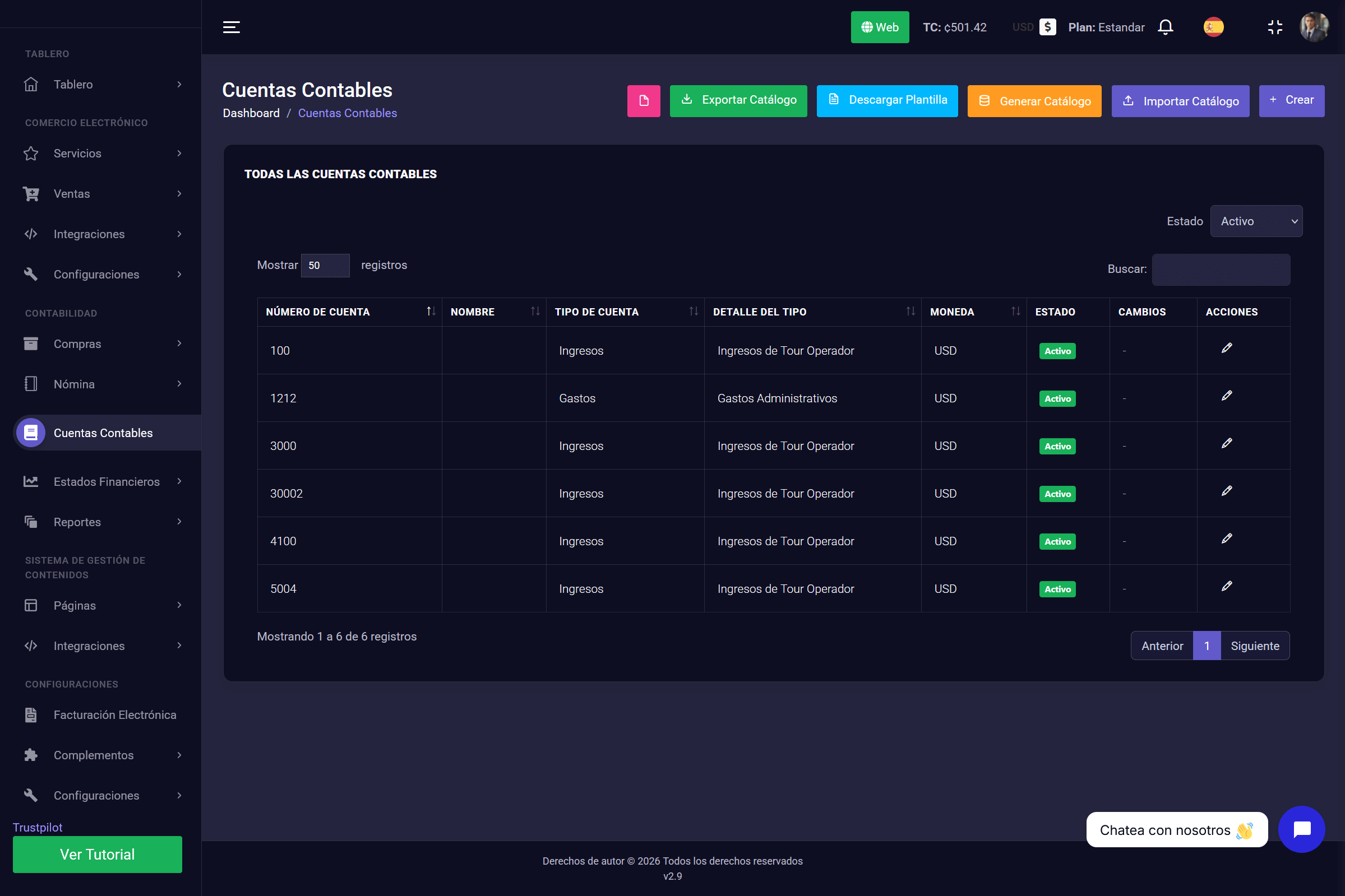
7. Accounting Accounts
Organization is the key to profitability. In this section you define your company's chart of accounts so every cent that comes in or goes out is classified correctly.
Here you can manage your Chart of Accounts:
- Classification: Define which accounts are Income (e.g. Tour Sales) and which are Expenses (e.g. Administrative, Maintenance).
- Bulk Management: As you can see in the top buttons, the system lets you Import or Export your full catalog in Excel. This is ideal for loading your accounting quickly or sending the information to an external accountant without friction.
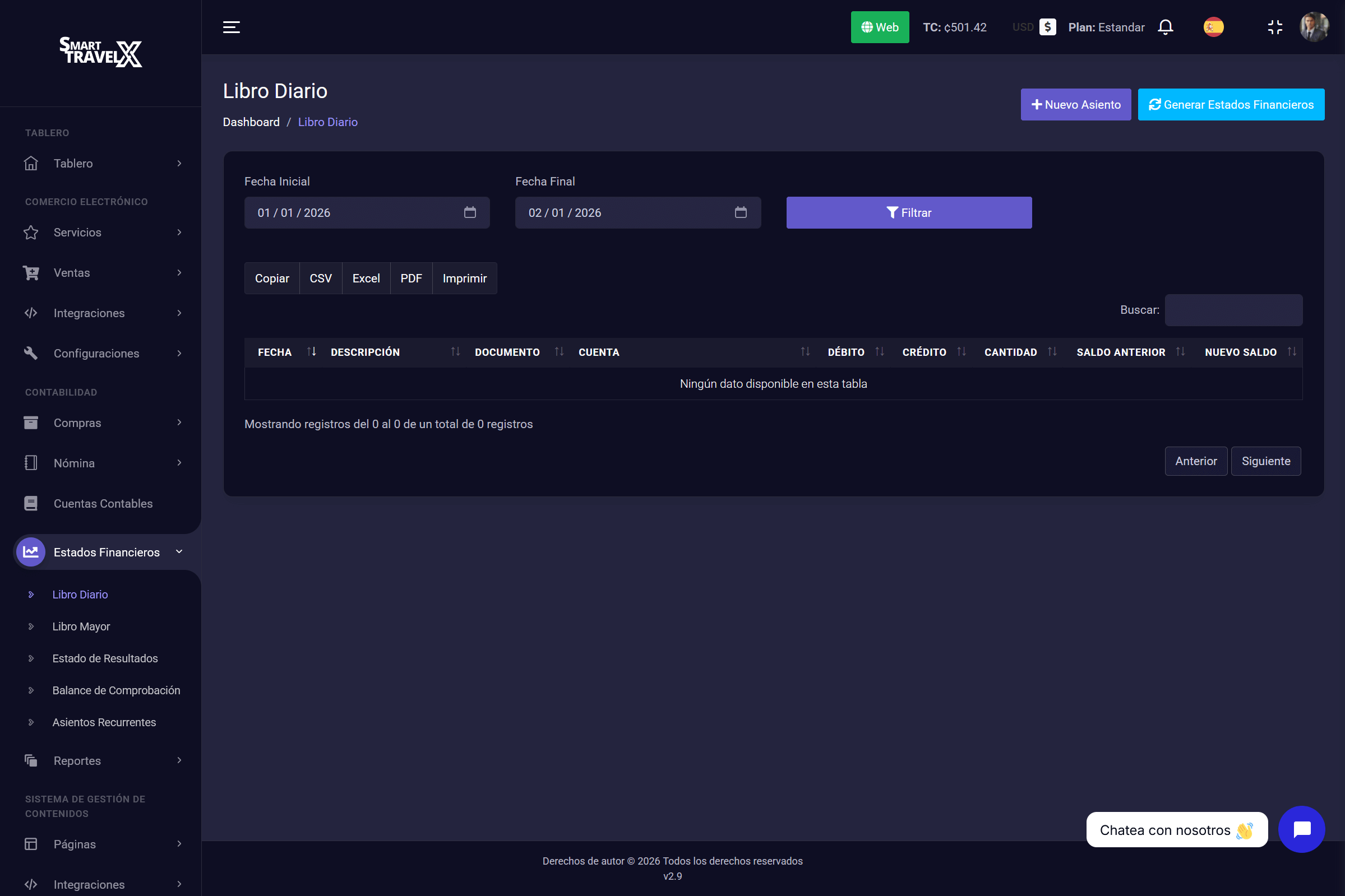
8. Financial Statements and Books
Beyond the money that comes in and goes out, you need to know the real health of your business. This module delivers the definitive accounting reports for strategic decisions.
Here you have direct access to your company's financial "truth":
- Journal and Ledger: Review the chronological record and accumulated balance of each account. Ideal for audits and month-end closing.
- Income Statement: (P&L) The most important report. It shows exactly whether your operation generated profit or loss in a specific period.
9. Report Center
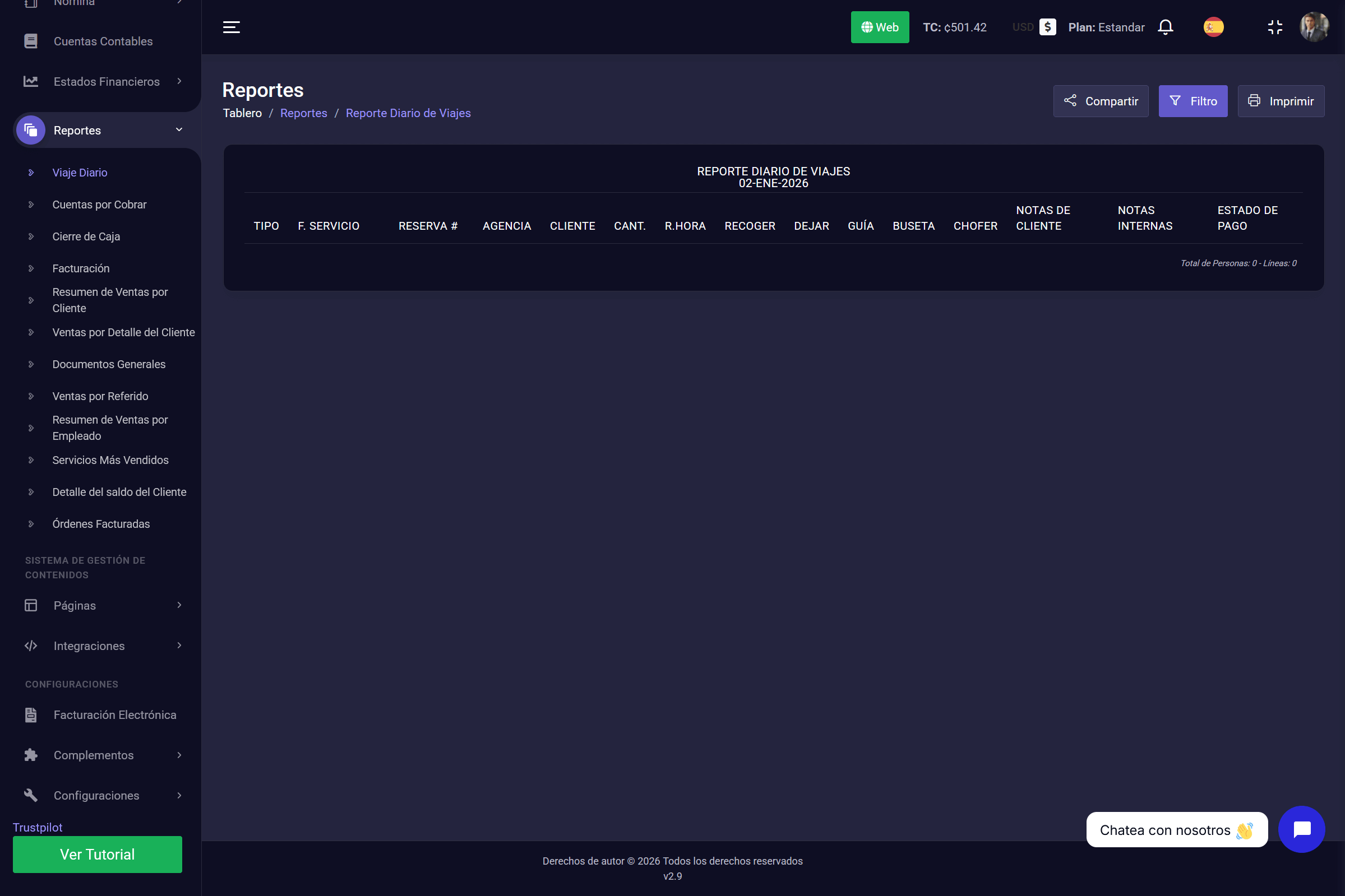
In SmartTravelX you have different report types designed to cover every area of your company. These reports are:
- Daily Trip: Shows the day's operation (which tours depart and which passengers are going).
- Accounts Receivable: List of customers or agencies that still owe you a balance.
- Cash Closing: The daily reconciliation of money received in cash or cards.
- Invoicing: History of all reservations pending invoice.
- Sales Summary by Customer: How much you have sold to each customer in total.
- Sales by Customer Detail: Specific breakdown of which services each customer bought.
- General Documents: Archive of operating documents and receipts.
- Sales by Referral: Shows which sales came from recommendations or affiliates.
- Sales Summary by Employee: Measures your salespeople's performance.
- Best-Selling Services: Statistics to see which tours are your stars.
- Customer Balance Detail: The breakdown of a specific customer's outstanding balance.
- Invoiced Orders: Filter only the reservations that already have an official invoice.
10. Website and SEO Management
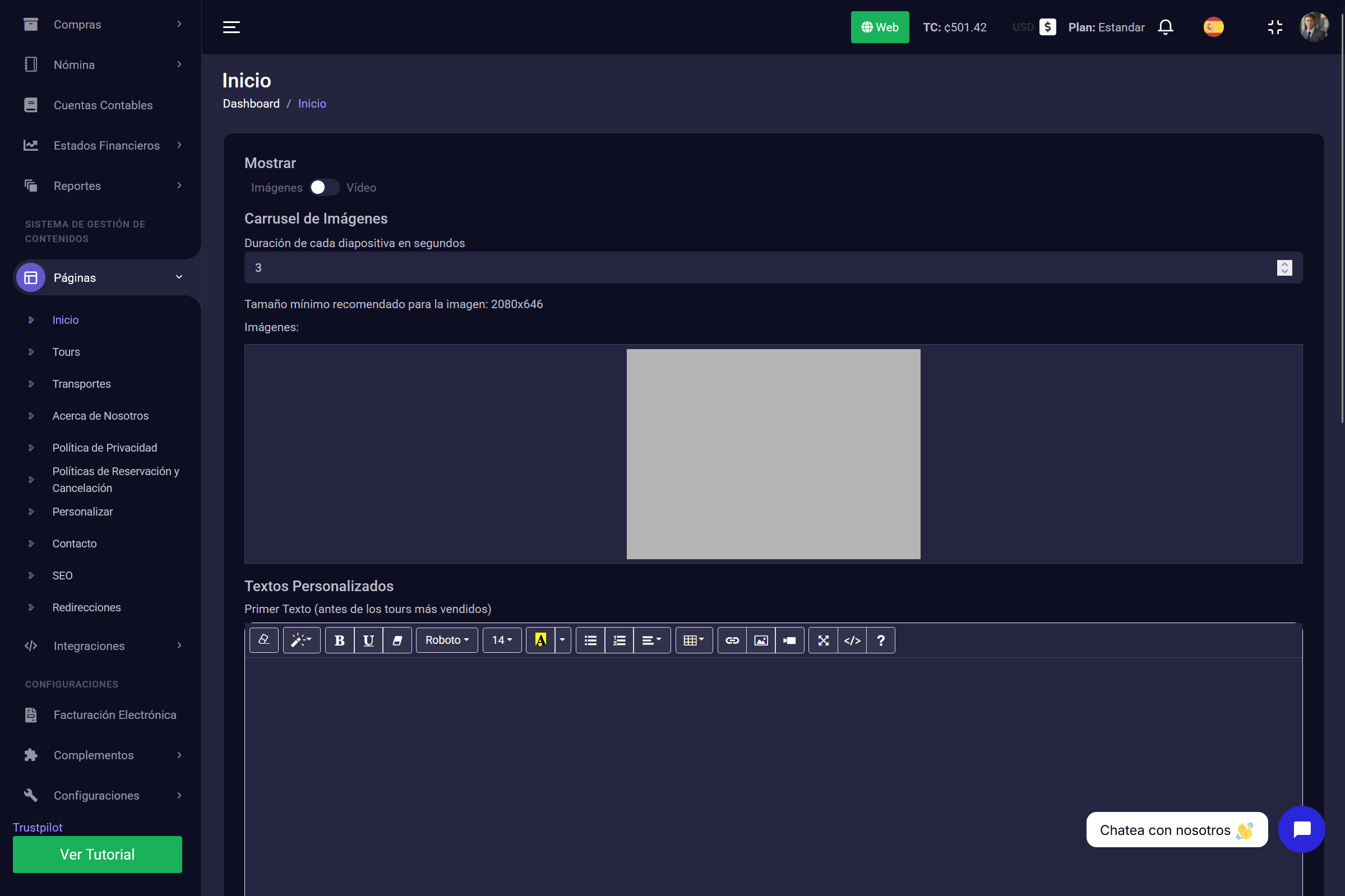
SmartTravelX is not only for internal administration — it also drives your online sales. In this section you have full control of your public website without needing to know how to code.
Here you can complete essential website tasks:
- Edit Content: Change the texts and photos on your home page.
- Customize: Adjust the colors so they reflect your brand.
- General SEO: Configure the positioning of your main page (Home).
⚠️ Important SEO note: Keep in mind that product-specific SEO (Meta Title, Meta Description, and Tags) is managed in the "Services" module when you create or edit a tour. That lets each excursion rank individually on Google.
11. Integrations (External Services)
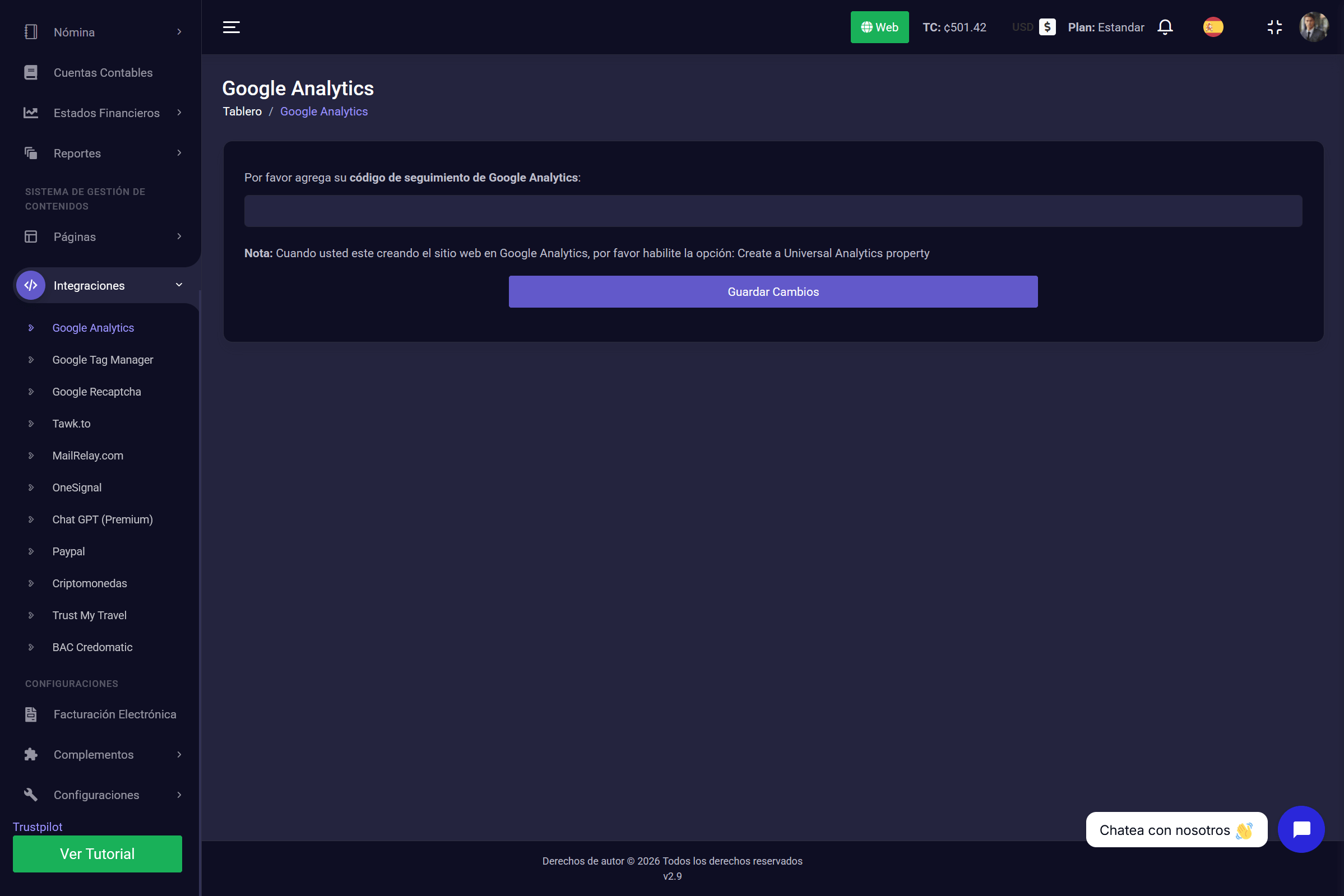
Power up your system by connecting it to leading market tools. In this section you can link external services to automate tasks and improve marketing without leaving SmartTravelX.
From here you can configure connections such as:
- MailRelay: To sync your contacts with MailRelay automatically so you can send promotional emails.
- Google Analytics: To link your account and monitor website visits.
- Other Connections: Centralize your favorite tools in one place so your entire digital ecosystem works together.
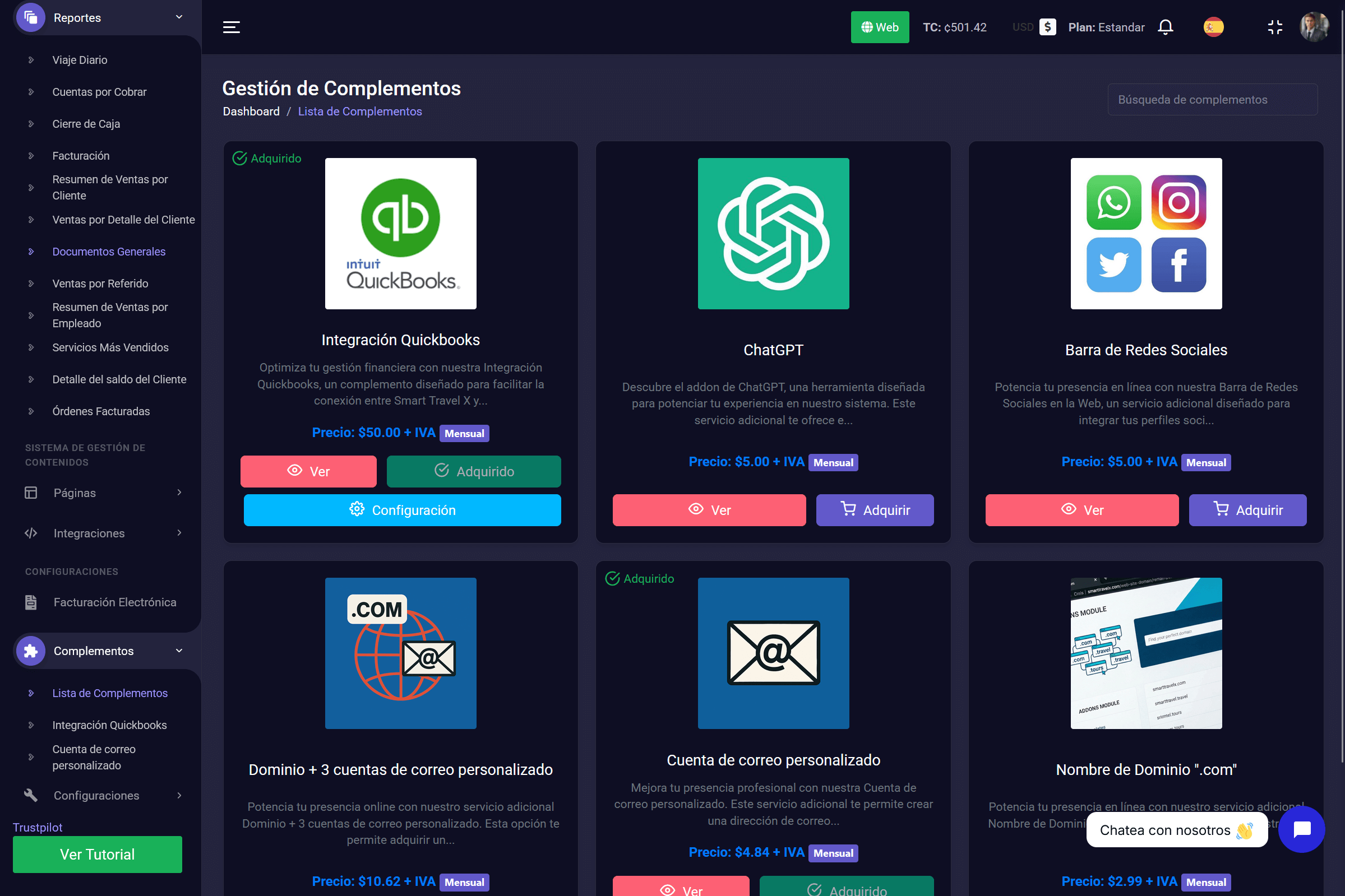
12. Add-ons
SmartTravelX is a modular system that grows with you. In the Add-ons section you can see the extra tools you have installed or available to strengthen your operation.
Here you can:
- View your Modules: Check which extensions are currently active on your account.
- Manage Features: Enable or review specific features that are not included in the basic package, so you can adapt the system to the unique needs of your business.
13. General System Settings
Finally, we reach the global control panel. This is where you configure the foundations of your account so your company information and security stay in order.
In this section you will manage:
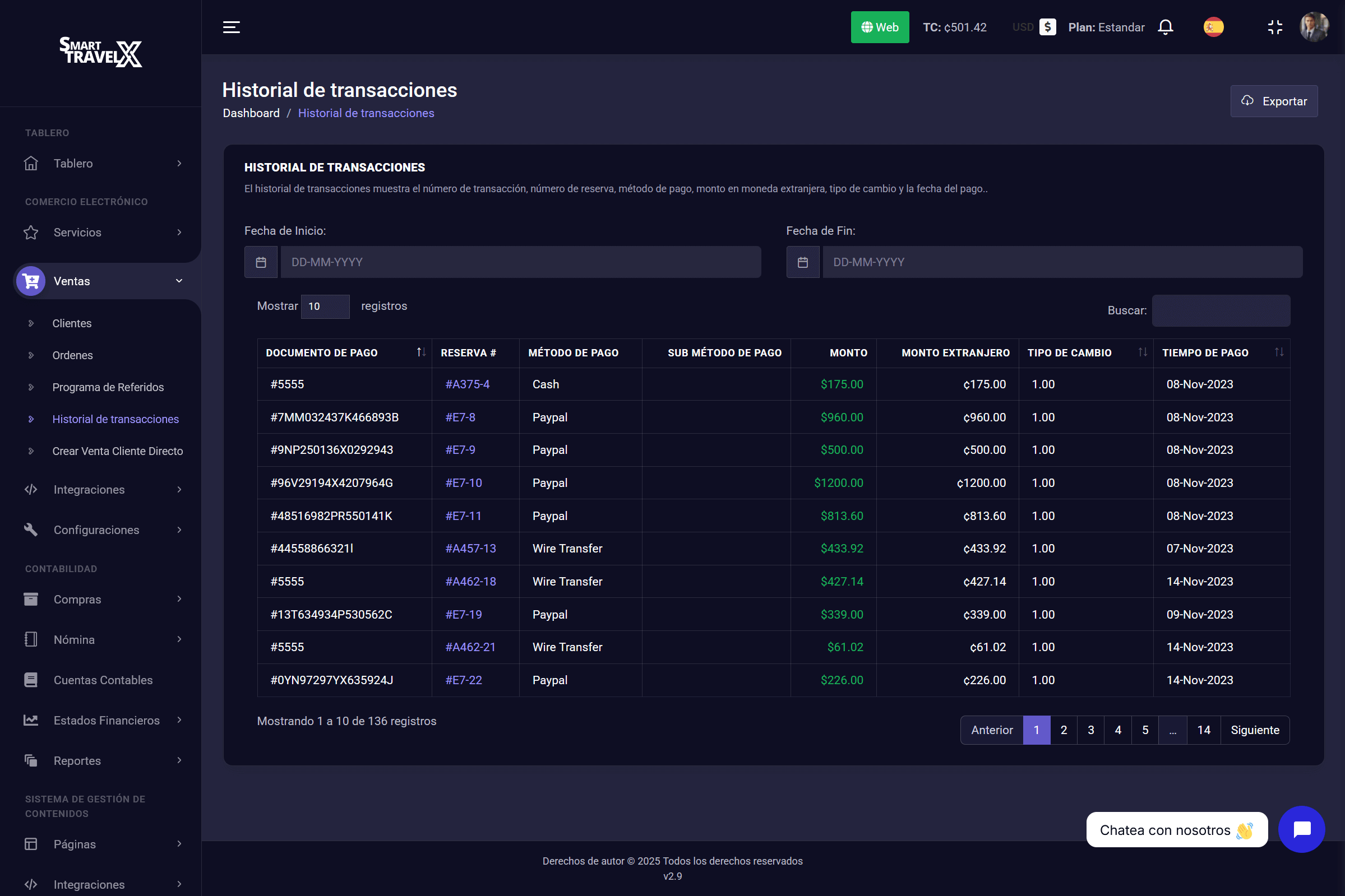
- Company Data: Configure your logo, legal address, phones, and emails that will appear on vouchers and invoices.
- Users and Permissions: Create accounts for your team and define exactly what each person can see or change (e.g. a salesperson should not see accounting).